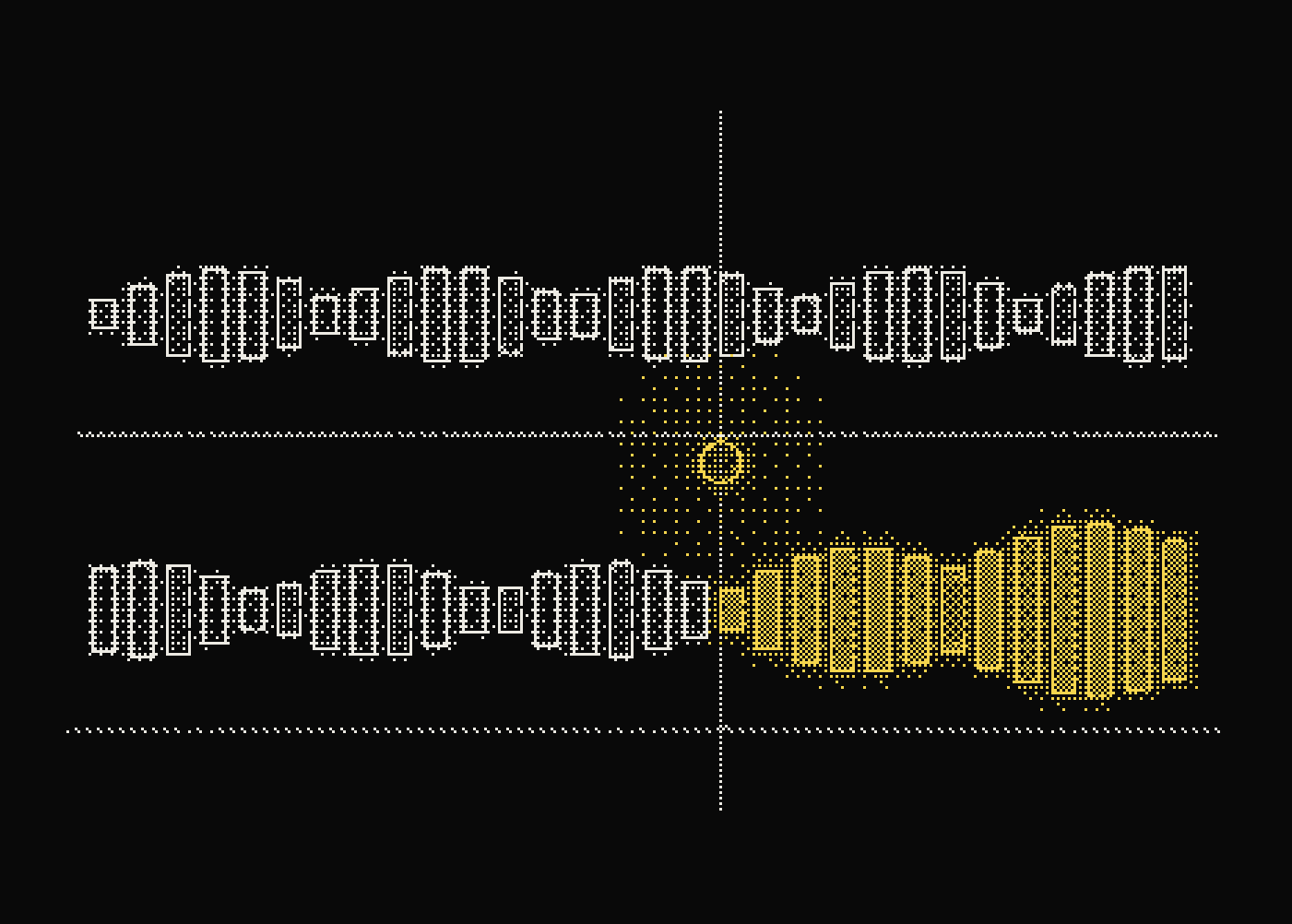
Use case / Release testing for agents
Compare the new version to the old one.
A prompt or model change can feel better and still do worse. Tag every run with its release and compare the old and the new on real traffic.
- Releases
- Tagged
- Runs
- Compared
- Rollbacks
- Informed
Release comparison
The old version next to the new one.
Every run carries a release label, set once in the SDK.
You choose how much traffic the new release gets.
Both releases are compared on the same measures.
The failing runs are one click away, not an average.
A rollback is a decision made from traces, not a guess.
- 01ok
Release tagged
Release 2.15 changes the system prompt.
- 02ok
Traffic splits
Ten percent of runs use 2.15.
- 03ok
Runs compared
Cost, speed and failures for both releases.
- 04worse
Failures rise
2.15 fails more on refund questions.
- 05ok
Release rolled back
Traffic goes back to 2.14.
Instrument it
Label the release once.
Pass a release to the SDK and every run is tagged, so two versions can be compared on the same screen.
$ npm install tracify-sdk
import { span, traceAgent } from "tracify-sdk";

export const answer = traceAgent(async (question: string) => {
  return span("answer", () => callModel(question), { type: "llm", input: question });
}, { environment: "production", release: "2.15" });
The failure to catch
A new prompt that looked better in a demo and failed more in production.
Tag runs with a release and compare cost, speed and failures side by side, so a prompt or model change is judged on real traces.
What you get
What Tracify watches.
Release tags
01Recorded on every run, so it can be searched, compared and alerted on.
Failure rate by release
02Recorded on every run, so it can be searched, compared and alerted on.
Cost by release
03Recorded on every run, so it can be searched, compared and alerted on.
Latency by release
04Recorded on every run, so it can be searched, compared and alerted on.