Product / Trace viewer
Every step of one run.
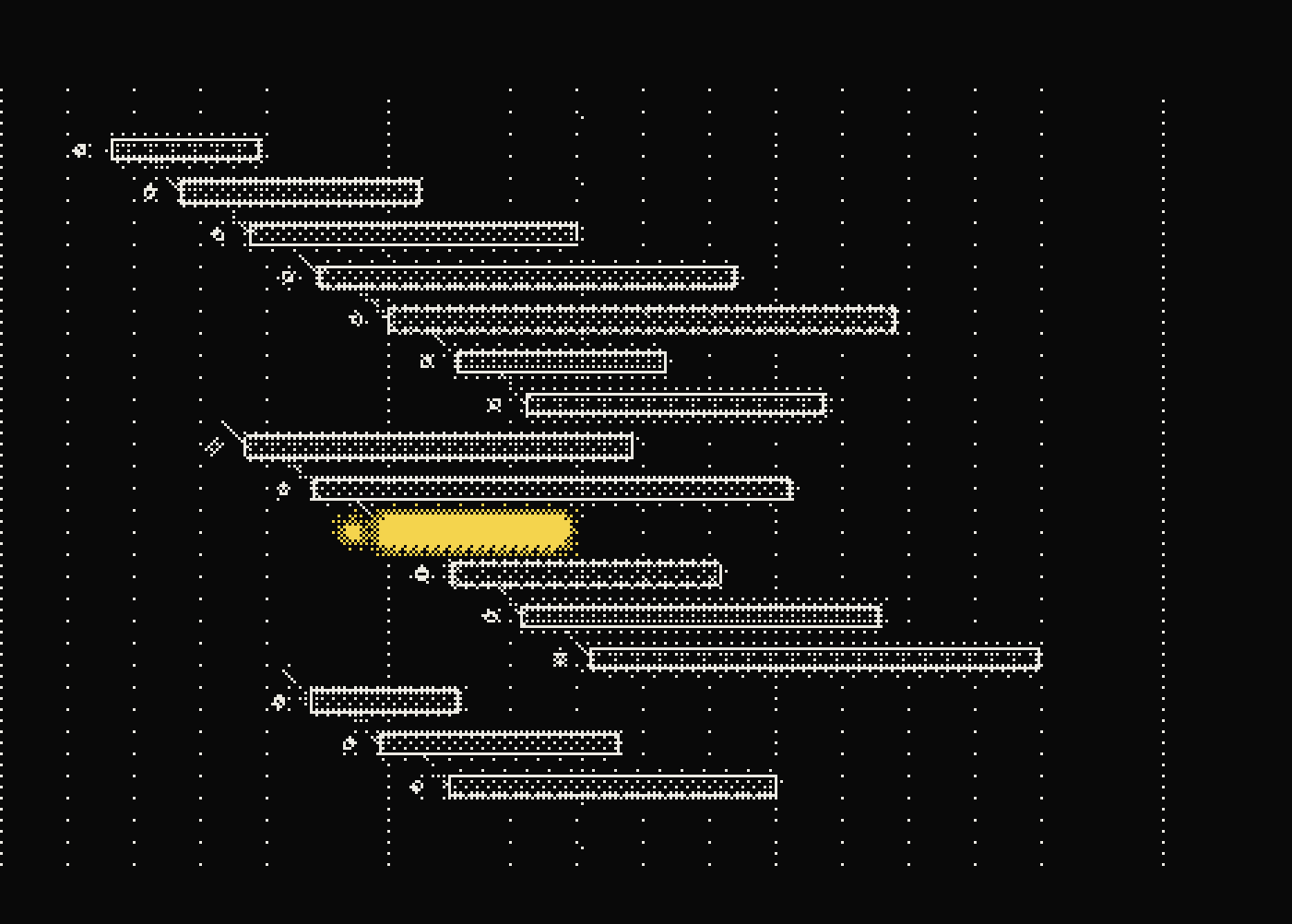
Open any run and see what the agent actually did: every model call, tool call and retry in order, with timing, tokens, cost and the payloads in between. Jump straight to the first thing that went wrong.
- Spans per run
- Hundreds
- Retries
- Visible
- Payloads
- Inline
Debug one run
Watch the run play back.
Filter by environment, release, model, cost, or error state and open the trace that represents the user-visible behavior.
Use the waterfall, graph, retry markers, and payloads to isolate where execution changed course.
Share the run, comment on the relevant span, or add it to an evaluation dataset for regression coverage.
Filtered to production, release 2.14. This is the run a customer flagged.
Instrument it
Wrap the agent once. Get the whole run.
Every span you open inside traceAgent is linked to the step it ran in, so loops, retries and handoffs show up as a tree you can read.
$ npm install tracify-sdk
import { traceAgent, span } from "tracify-sdk";

export const answer = traceAgent(async (question: string) => {
  const plan = await span("plan", () => callModel(question), { type: "llm", input: question });
  const docs = await span("search", () => search(plan.query), { type: "tool" });
  return span("answer", () => callModel(question, docs), { type: "llm" });
}, { environment: "production", release: "2.14" });
Stop reading logs. Read the run.
Nested execution
Read parent and child spans as a timeline or graph so parallel work, handoffs, and repeated operations remain visible.
Payload inspection
Inspect recorded inputs and outputs beside model, tool, latency, token, and cost fields instead of correlating separate logs.
Error-first navigation
Jump to the first failed span, then retain the surrounding trace context needed to understand what led into it.
Quality beside telemetry
View evaluator scores, feedback, and review evidence on the same run rather than treating quality as a separate report.
Who it is for
From a wrong answer to the exact span.
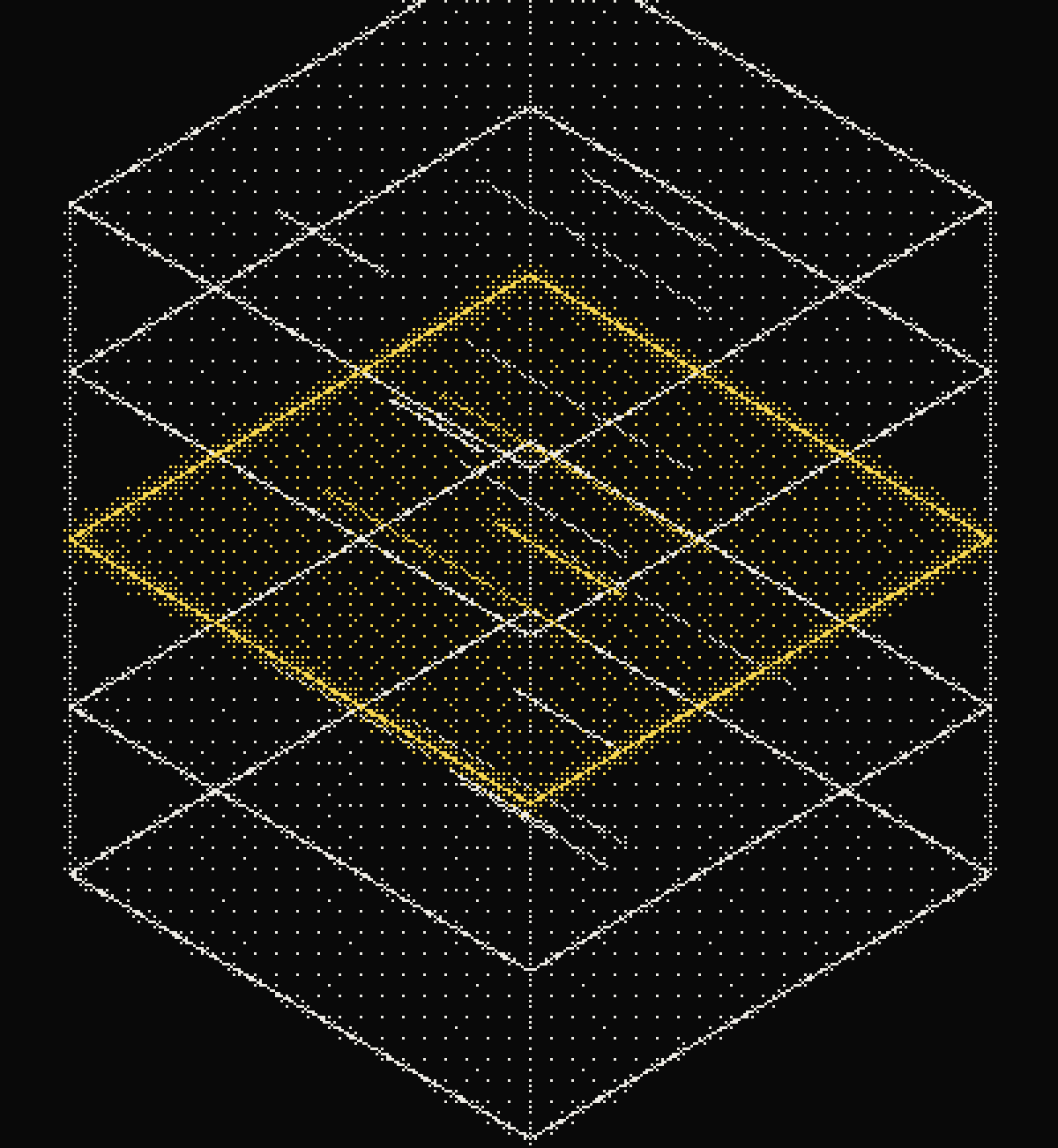
Engineers investigating wrong answers, slow runs, unexpected tool behavior, or regressions tied to a release.
Questions people ask.
What is a trace viewer for AI agents?
A trace viewer is a tool that shows every step an AI agent took to produce a result, including model calls, tool calls, retries, timing, and cost, arranged in the order they executed.
How do I debug a failing AI agent run?
Open the trace for the affected run, jump to the first error or divergent span, and inspect the payloads and timing around it to find where execution departed from expected behavior.
What is a span in LLM tracing?
A span is a single recorded operation inside a trace, such as one model call or one tool call, with its own timing, inputs, outputs, and status.
Can I see nested tool calls inside an agent trace?
Yes. Trace Viewer shows parent and child spans as a timeline or graph so nested tool calls, retries, and parallel branches stay visible inside the parent run.
Does trace viewing replace application logs?
No, it complements them. Trace Viewer keeps timing, cost, payloads, and quality evidence attached to the specific run, which raw logs alone do not correlate.

See your own runs like this.