Product / Project reports
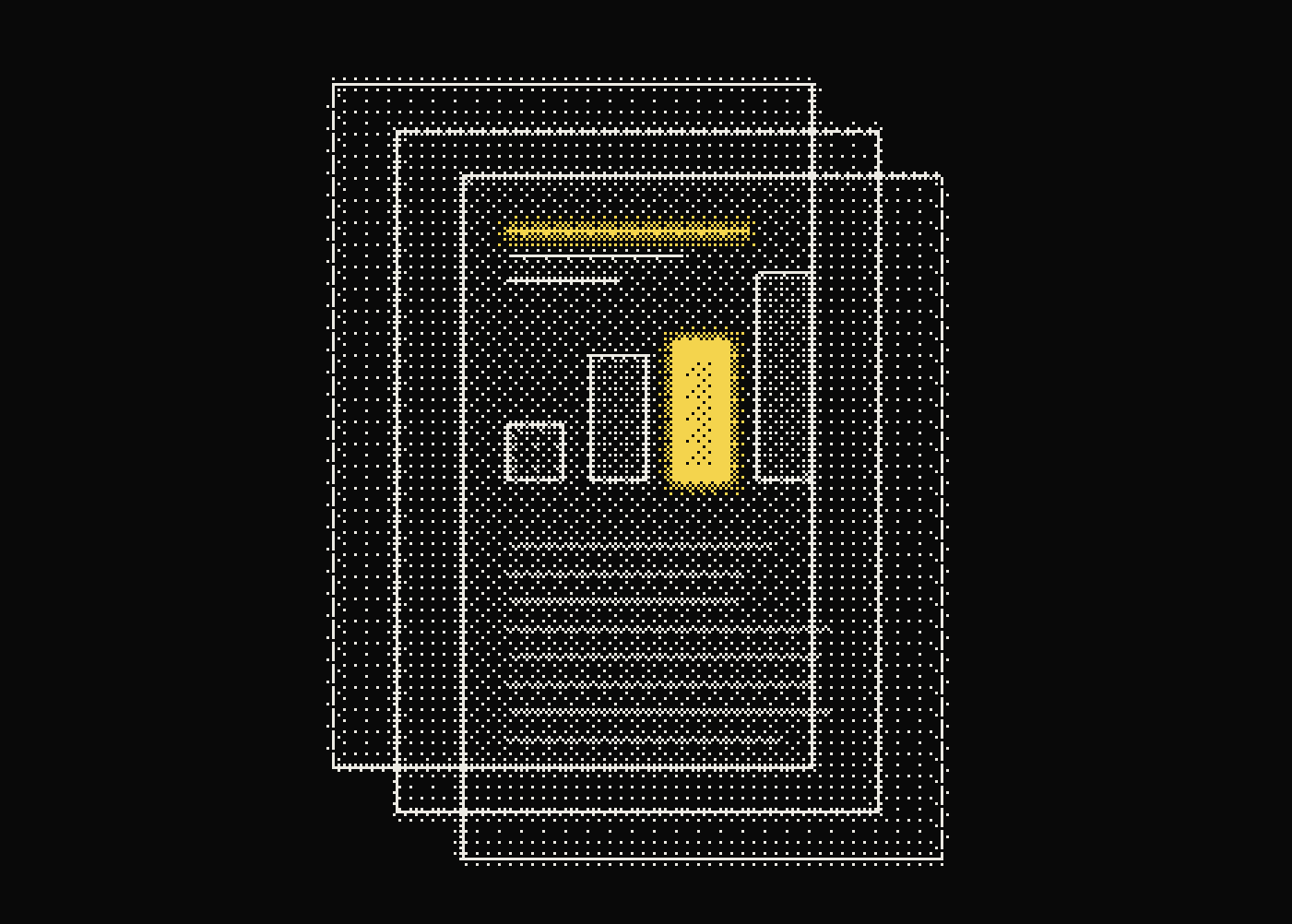
The operating record, on one page.
A clean, print-ready summary of runs, spend, failures, models and tools for any project window. Built from the same telemetry your engineers use, so it matches.
- Totals
- Runs, spend
- Breakdowns
- Model, tool
- Output
- Print / PDF
Share it outside the dashboard
A review packet that builds itself.
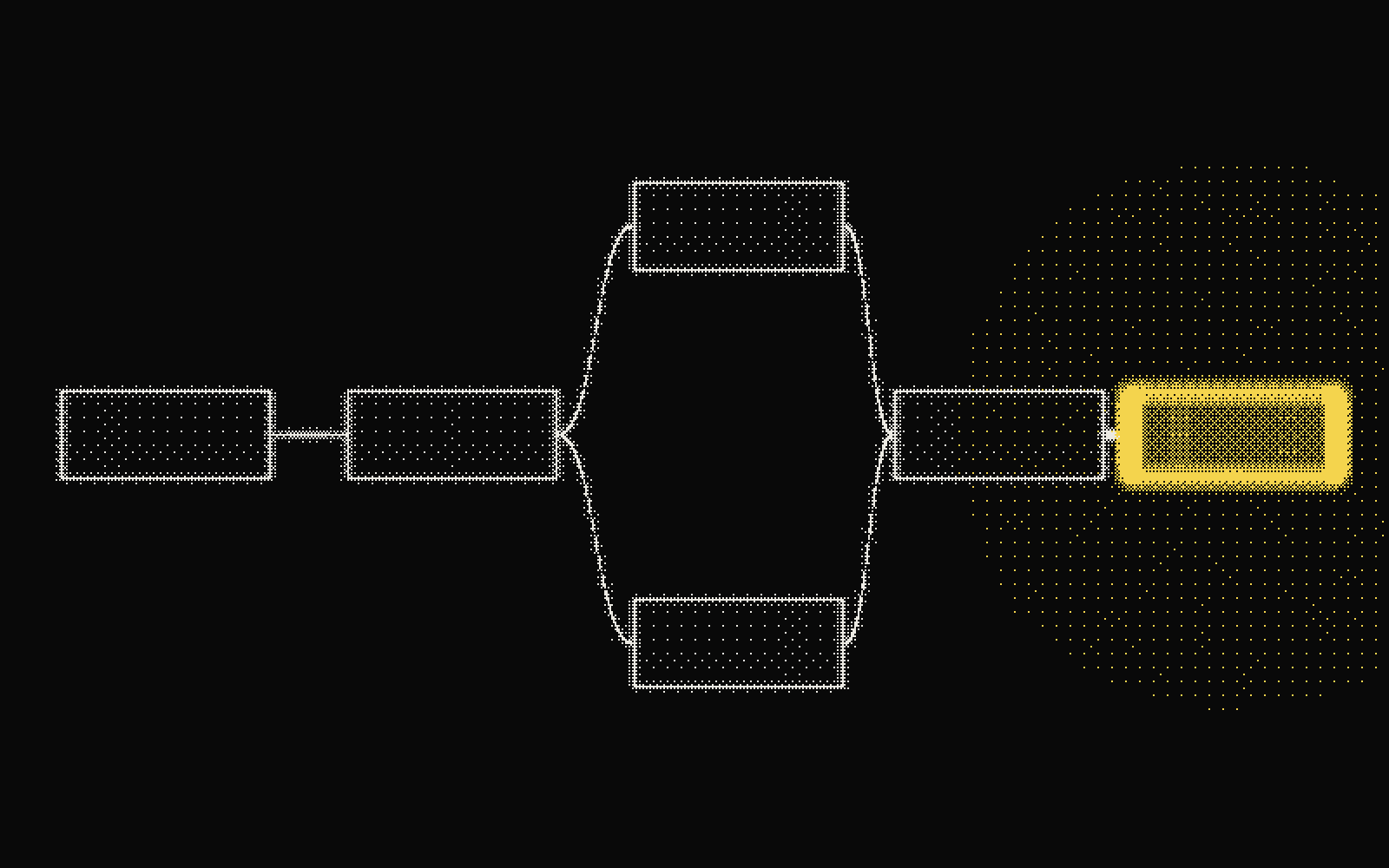
Open the report from the project whose telemetry and configuration define the review boundary.
Check totals and breakdowns against the questions stakeholders need answered.
Use the browser print flow to preserve the report for the meeting or operating record.
Runs
0
Spend
$0
Failed
0.0%
Failure evidence
run_c91d · empty search result at step 2 · release 2.14
Who it is for
Same telemetry as engineers, in a form a meeting can read.
Engineering leads, product owners, and review meetings that need a stable account of a project window.
What you get
Give the meeting the numbers without the dashboard tour.
Project totals
01Summarize run activity, cost, and failure counts for a clear operating snapshot.
Model and tool breakdowns
02Show where execution and spend concentrate without exporting raw traces into a spreadsheet first.
Failure evidence
03Include failed-run context so a reliability summary remains connected to concrete incidents.
Browser print workflow
04Use a purpose-built print layout for PDF export or a physical review packet.
Questions people ask.
What should an AI agent operating report include?
A useful report includes run volume, spend, failure counts, model and tool usage breakdowns, and alert activity for a defined time window, grounded in the same telemetry engineers inspect.
Can I export an AI agent report as a PDF?
Yes. Project Reports use a purpose-built print layout so the browser print flow produces a clean PDF or physical review packet.
How often should agent reports be reviewed?
Most teams review reports on a release or weekly cadence, matching the report window to the review meeting it supports.
Who typically uses project reports instead of the dashboard?
Engineering leads, product owners, and stakeholders who need a stable operating summary without navigating live dashboards or exporting raw traces themselves.
Does a project report replace live monitoring?
No. It summarizes a defined window for review purposes; live monitoring and alerting still cover real-time detection.

See your own runs like this.